
Public Wi-Fi protection
Enable an encrypted tunnel when connecting in cafés, airports or hotels to reduce the risk of accounts and browsing content being intercepted.
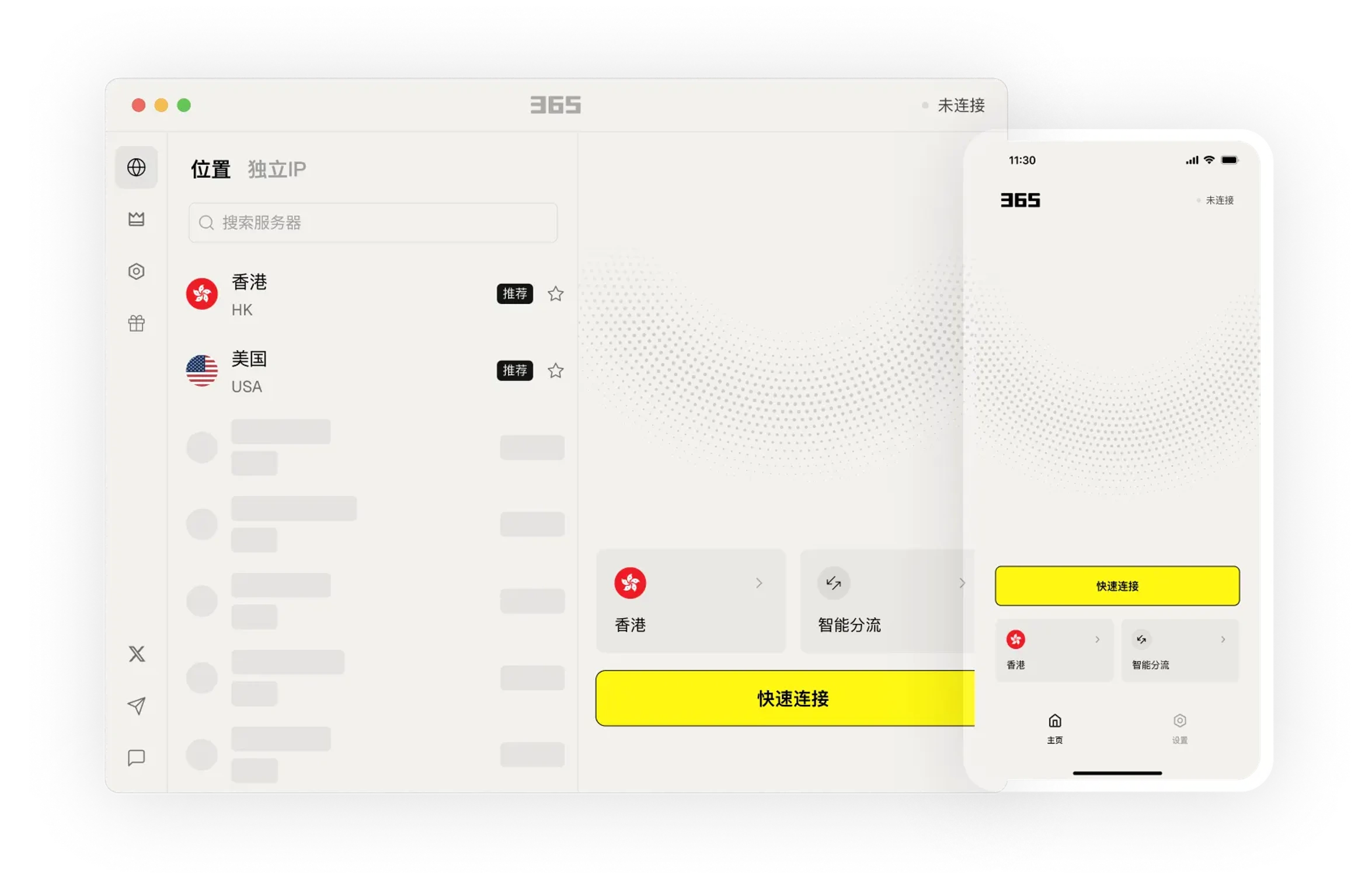
Learn about product features through clear instructions and arrange usage that suits your needs.
Choose the connection method that fits your current environment for daily work, communication and browsing.
Connect to 500+ servers across 60+ countries and regions worldwide. Access content from anywhere.
Seamlessly access Google, YouTube and other services. Easily access global content and enjoy worldwide services.
Keep frequently used connections and device settings together, reducing the steps to find and switch.
Download Now →Always here to help. Day or night.
Providing you with the simplest guidance - no hard-to-understand technical jargon.
From smartphones to routers and TVs, we've got you covered!
Keep frequently used connections and device settings together, reducing the steps to find and switch.

We provide easy-to-understand articles to help you stay informed.

Keep frequently used connections and device settings together, reducing the steps to find and switch.
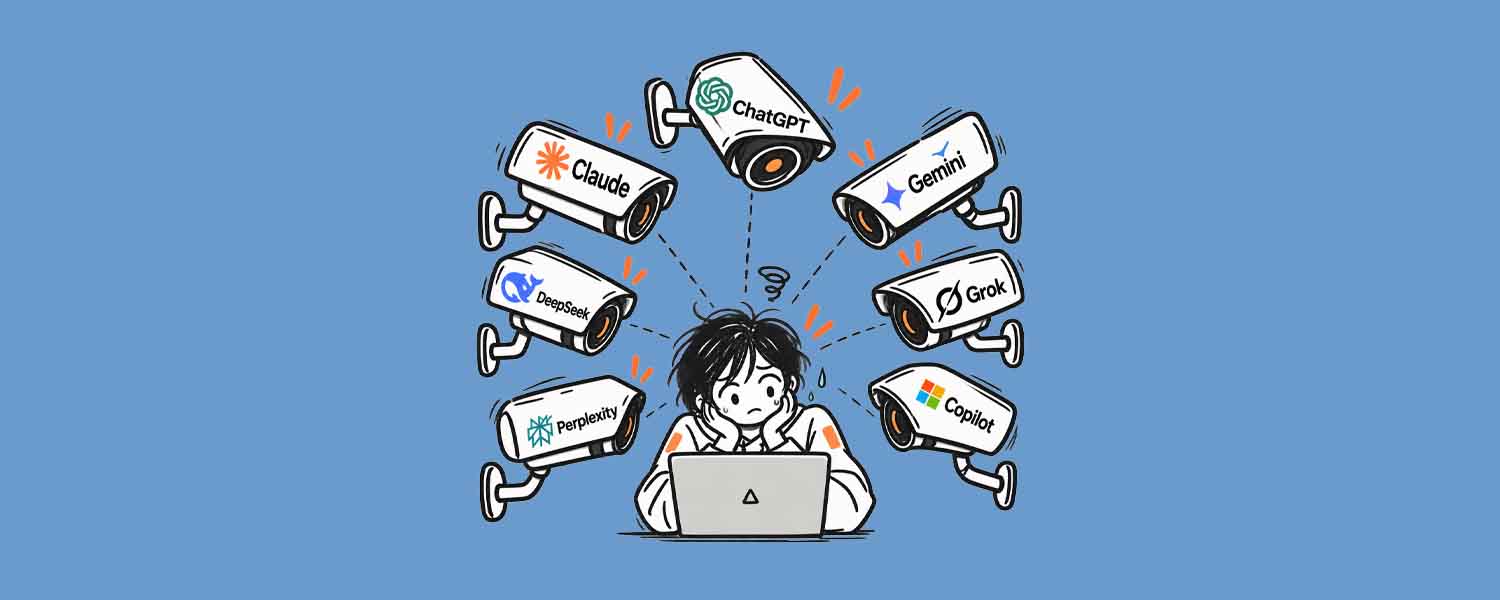
After installation, you can view the settings and help content in the app to gradually get familiar with common features.

After installation, you can view the settings and help content in the app to gradually get familiar with common features.
Learn about the device versions and usage methods that suit you, and arrange connections and work as needed.
Select your device system in the download center and view the corresponding version name.
Open the installation file and complete the setup according to the installation prompts on your device.
365 VPN provides a unified connection experience for common online scenarios. With no complex configuration required, you can quickly switch between home, office and public networks after installation, reducing the risk of information exposure.
Enable an encrypted tunnel when connecting in cafés, airports or hotels to reduce the risk of accounts and browsing content being intercepted.
Supports phones, computers and tablets online at the same time, with no need to log in again when switching devices, making it suitable for daily multi-screen work.
After opening the app, it automatically recommends low-latency nodes, reducing manual selection steps and making it suitable for users unfamiliar with network settings.
Usually not. After installation and login, the app will guide you to grant the necessary permissions, then simply tap connect and you're ready to use it without configuring proxies or addresses item by item.
Generally not. 365 VPN prioritizes low-latency nodes, so everyday web browsing, social media, and video streaming can maintain a smooth experience. If the network slows down, try switching to another node.